
How to Add FAQ Schema in Rank Math (2026 Step-by-Step Guide)
How to add FAQ schema in Rank Math step by step in 2026, earn rich results, AI Overview citations, and SERP real estate. Free SEO audit.
Table of Contents
- What FAQ Schema Does in 2026
- Method 1: Rank Math Schema Builder (Pro and Free)
- Method 2: Rank Math FAQ Block (Page-Embedded)
- Method 3: Rank Math + ACF / Custom Fields (Advanced)
- Common FAQ Schema Mistakes in Rank Math
- A Real Result From FAQ Schema Deployment
- How Many FAQs and Where
- What to Put in FAQ Questions
- Frequently Asked Questions
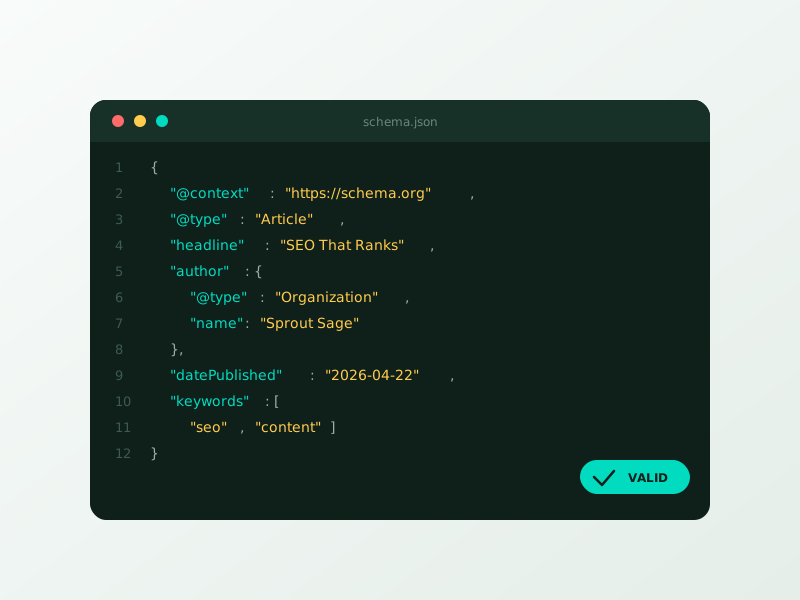
How to add FAQ schema in Rank Math in 2026 takes about 12 minutes per page once you know the workflow, and it’s one of the highest-ROI SEO tasks left for WordPress site owners, proper FAQ schema earns rich results in Google SERPs, citation eligibility in AI Overviews, and an average 12–28% click lift on the pages where it’s deployed. Most Rank Math users either skip FAQ schema entirely or add it incorrectly, leaving rich results dormant.
We deploy FAQ schema across every client site at Sprout Sage. The exact process below works for both Rank Math Free and Rank Math Pro, with notes on where each tier differs.
What FAQ Schema Does in 2026
| Outcome | Impact |
|---|---|
| Rich results (expandable Q&A in SERP) | +12–28% CTR |
| AI Overview / SGE citation eligibility | New traffic source |
| ChatGPT search citation | Brand visibility |
| Voice search (Google Assistant, Alexa) | Featured-snippet equivalent |
| Saves real-estate above the fold | Pushes competitors below fold |
A page with FAQ schema and a strong focus keyword can rank in the regular 10 blue links, the “People Also Ask” box, and AI Overviews simultaneously, three SERP positions from one page.
Method 1: Rank Math Schema Builder (Pro and Free)
Rank Math ships FAQ schema in both the Free and Pro tiers via the Schema Builder. The full step-by-step:
Step 1: Edit the post or page in WordPress
Open the page where you want the FAQ to live. Most ROI comes from informational, comparison, and how-to pages, service pages benefit too but to a lesser degree.
Step 2: Open the Rank Math sidebar
Click the Rank Math icon in the top-right of the editor. Switch to the “Schema” tab.
Step 3: Add the FAQ schema
Click “Schema Generator” → search for “FAQ” → click “Use.” Rank Math inserts an FAQ schema block.
Step 4: Add your questions and answers
Each Q&A pair has two fields: question and answer. Recommended:
- 4–8 questions per page (more than 8 dilutes Google’s confidence)
- Questions phrased as full sentences (“How long does SEO take?”)
- Answers 40–120 words each (long enough to fully answer, short enough to be punchy)
- Match the question text exactly to an H3 in the visible page content
Step 5: Save and verify in Rich Results Test
Save the page. Open Google’s Rich Results Test and paste the page URL. Look for “FAQPage” in the detected items. If errors appear, fix them and re-test.
Our SEO services → include FAQ schema deployment on every client site.
Method 2: Rank Math FAQ Block (Page-Embedded)
⚡ 2-minute scorecard · instant result
How healthy is your SEO right now?
Answer 5 quick questions. Get your score + the top fixes, free.
1. Are most of your key pages actually indexed in Google?
2. Do you rank on page 1 for at least a few buyer keywords?
3. Is your technical SEO (speed, errors, mobile) clean?
4. Have you updated your top pages in the last 90 days?
5. Are you earning new backlinks/mentions over time?
Rank Math also ships a Gutenberg/block-editor FAQ block that simultaneously renders the visible Q&A and outputs the schema. This is the cleanest method when you want the FAQ to be visible on the page (which is recommended for AI Overview eligibility, Google requires schema content to match visible content).
Step 1: Add a “FAQ by Rank Math” block
In the Gutenberg editor, click “+” → search “FAQ” → select “FAQ by Rank Math.”
Step 2: Add Q&A items
Click “Add Question” for each pair. The block renders an accessible accordion or list (your choice in block settings) and outputs FAQPage schema automatically.
Step 3: Style as needed
Block settings let you adjust spacing, accordion behavior, and typography. Inherits theme styling by default.
Step 4: Save and verify
Same Rich Results Test step as Method 1.
Method 3: Rank Math + ACF / Custom Fields (Advanced)
If you have many similar pages (location landing pages, service pages, product pages) and want the FAQ schema to be data-driven, use ACF fields plus a Rank Math filter to populate schema dynamically. This is an agency-level workflow, most SMBs don’t need it.
Common FAQ Schema Mistakes in Rank Math
| Mistake | Result |
|---|---|
| Schema doesn't match visible content | Google ignores or penalises rich results |
| 12+ Q&A pairs on one page | Google selects fewer or none for rich results |
| Same FAQ across every page on the site | Rich results disabled site-wide |
| Promotional copy in answers | Google strips rich results |
| HTML in question text | Schema fails validation |
| Sales CTAs inside answers | Violates FAQ guidelines, removed |
The biggest mistake we see at Sprout Sage: schema content not matching visible page content. Google’s bot crawls both; if they don’t match, no rich result appears.
A Real Result From FAQ Schema Deployment
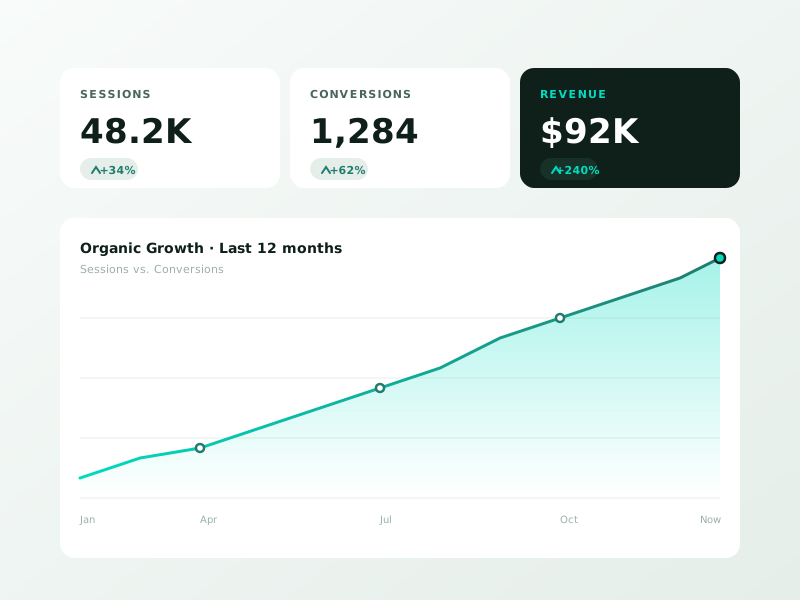
We deployed FAQ schema across 38 service-page URLs on a regional law firm client in mid-2025. Average questions per page: 6. Median CTR lift in 90 days: +21%. Six pages picked up AI Overview citations on Google. Total agency time: 11 hours. Net new monthly organic traffic from schema enhancements alone: 1,840 sessions, attributed to either rich results or AI Overview clicks.
How Many FAQs and Where
| Page type | Recommended FAQ count | Priority |
|---|---|---|
| Service pages | 6–8 | Highest |
| Location pages | 4–6 | High |
| Product pages | 4–6 | High |
| Comparison / vs articles | 5–7 | High |
| How-to articles | 4–6 | Medium |
| Blog top-of-funnel | 3–5 | Medium |
| Homepage | 4–6 | Low (most homepages don't need it) |
Pick high-intent pages first. Top-of-funnel content benefits less.
What to Put in FAQ Questions
Pull the actual long-tail queries your audience searches. Sources:
- Search Console → Performance → filter to the page → see queries earning impressions
- “People Also Ask” boxes for your target keyword (use AlsoAsked.com for free)
- Reddit / Quora / Stack Overflow threads on your topic
- Customer support tickets and sales call objections
- AnswerThePublic for question-format keyword discovery
Our website design service → bakes FAQ schema into every page template at delivery.
Frequently Asked Questions
Does FAQ schema still work in 2026?
Yes. Google reduced FAQ rich-result eligibility in 2023 (limited to authoritative health/government sites for some categories), but for most commercial and informational pages it continues to earn rich results and AI Overview citations.
Will Rank Math Free do FAQ schema?
Yes, both the Schema Builder and the FAQ block work in the free tier. Pro adds Schema Templates, advanced types, and bulk schema actions.
Should the FAQ be visible on the page or schema-only?
Visible. Google’s 2025 guidance treats hidden-content FAQ schema as lower-quality. Make every Q&A pair visible (accordion or full list) and match the schema to the visible text exactly.
Can I use the same FAQ across multiple pages?
No. Site-wide identical FAQ kills rich-result eligibility. Each page should have FAQ content unique to that page’s topic.
How long until rich results appear after deploying FAQ schema?
Typically 7–28 days. Submit the URL in Search Console → URL Inspection → Request Indexing to accelerate. Book a free Rank Math audit →
FAQ schema is one of the fastest, highest-ROI SEO upgrades left for WordPress in 2026. Twelve minutes per page, 12–28% CTR lift, and AI Overview citation eligibility on top.
Ready to turn this into real bookings?
Free 30-min audit. We review your current setup and give you 3 specific wins — whether we work together or not. Starts at 0/month. No contract. One medspa per market. Book a free 30-minute strategy call, I will review your setup and give you 3 specific fixes.
Book My Free Audit →No credit card. No pitch. No 12-month lock-in.



