
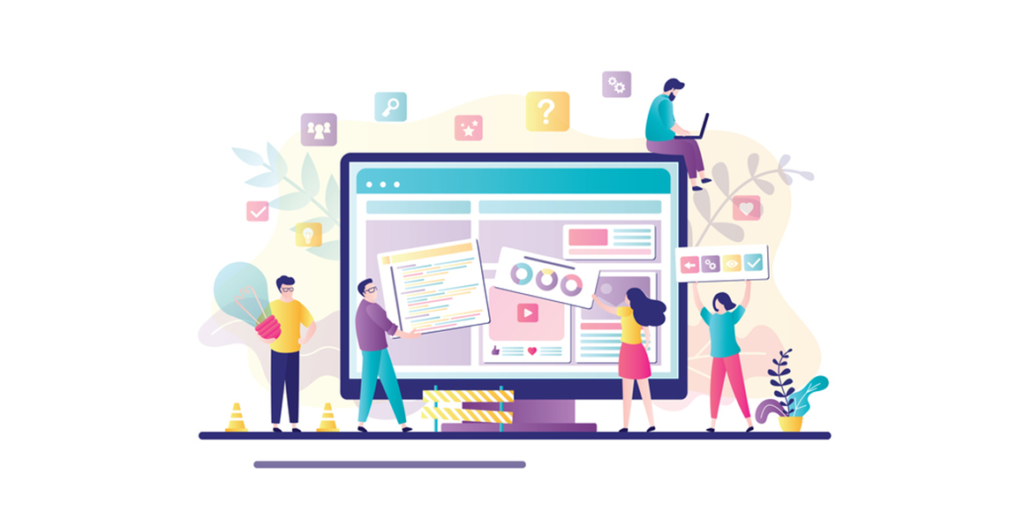
8 Pro Tips for a Smooth Website Design Process
Discover 8 expert tips to streamline your website design process, from planning and UX to launch, ensuring a smooth and successful project. Click here, to read more!
Table of Contents
In today’s digital-first world, your website is often the first impression your brand makes. Whether you’re launching a new business or revamping an existing site, a well-designed website not only looks great but functions smoothly, engages visitors, and drives conversions. However, creating a high-performing website isn’t just about beautiful visuals, it requires strategic planning, collaboration, and an efficient process.
To help you get the most out of your project, here are 8 pro tips for a smooth website design process from start to finish.
Pro Tips for a Smooth Website Design Process
1. Start with Clear Goals and Strategy
Before you dive into wireframes or color palettes, define what you want your website to achieve. Are you looking to generate leads, build an email list, showcase a portfolio, or drive sales? Clear goals serve as a foundation for every design decision and help you prioritize features.
Pro Tip: Create a project brief that outlines your objectives, target audience, and expected outcomes. Align everyone involved in the project with this vision from the very beginning.
2. Build a Solid Site Structure and Sitemap
A user-friendly website begins with a well-planned sitemap. Think of this as the blueprint of your website, a hierarchy of pages that shows how content is organized and how users will navigate the site.
Pro Tip: Use tools like Lucidchart, GlooMaps, or even pen and paper to sketch out your sitemap. Make sure it reflects your user journey and includes logical pathways to key actions such as product purchases, contact forms, or newsletter signups.
3. Design with Your Audience in Mind
Your website should be tailored to the needs and behaviors of your target audience. Think about their preferences, pain points, and how they use technology. Do they browse mostly on mobile? Are they looking for quick information or in-depth resources?
Pro Tip: Create user personas and map out the user journey. This will help you make design decisions, like layout, navigation, and content, that cater to real users, not just aesthetic preferences.
4. Prioritize Mobile Responsiveness
With more than half of global web traffic coming from mobile devices, mobile-first design is no longer optional, it’s essential. A responsive design ensures your website functions seamlessly across all devices and screen sizes.
Pro Tip: Use mobile-first wireframes and test your website design on various devices throughout the process. Pay special attention to load time, font size, tap targets, and scrolling behavior on smaller screens.
5. Focus on UX/UI Best Practices
User Experience (UX) and User Interface (UI) are at the heart of effective web design. A good UI makes the site visually appealing, while great UX ensures it’s intuitive and easy to navigate. A seamless blend of both keeps visitors engaged and leads them toward your desired actions.
Pro Tip: Use white space effectively, maintain visual hierarchy, and limit the number of fonts and colors for a clean, focused design. Ensure buttons, forms, and other interactive elements are easy to find and use.
6. Keep SEO and Performance in Mind
Design is only part of the equation. Your site also needs to perform well in search engine rankings and deliver a fast, optimized experience to users. This means considering SEO-friendly structures, lightweight code, and fast-loading assets from the get-go.
Pro Tip: Optimize images, use semantic HTML tags, and integrate keywords naturally into headers and copy. Work with your developer or designer to ensure SEO is baked into the build, not just added afterward.
7. Streamline Collaboration Between Teams
Designing a website involves multiple stakeholders, from marketers and designers to developers and content writers. Miscommunication or misaligned timelines can lead to bottlenecks and rework.
Pro Tip: Use project management tools like Trello, Asana, or Monday.com to track tasks, timelines, and responsibilities. Set up regular check-ins and shared feedback channels to ensure everyone is aligned and informed at every stage.
8. Test, Revise, and Launch Strategically
Before hitting the launch button, your website should go through rigorous testing, across browsers, devices, and use cases. This is the time to fix bugs, tweak responsiveness, and ensure all forms, links, and functionalities work smoothly.
Pro Tip: Conduct usability testing with real users, not just your internal team. Launch with a soft rollout to a small audience first if possible, and monitor analytics closely to catch issues early.
Bonus Tip: Plan for Ongoing Maintenance
Your website isn’t a one-time project, it’s a living asset that requires updates, content changes, plugin updates, and security monitoring. From the very beginning, factor in how the site will be maintained and by whom.
Pro Tip: Build on a content management system (CMS) that your team can easily update. Also, ensure backups, analytics, and security tools are in place for long-term health.
Final Thoughts
⚡ 2-minute scorecard · instant result
Is your website quietly costing you leads?
Answer 5 quick questions. Get your score + the top fixes, free.
1. Does your site load in under 3 seconds on mobile?
2. Is there one clear call-to-action above the fold?
3. Is your main lead form 5 fields or fewer?
4. Is the whole site genuinely mobile-friendly?
5. Are trust signals (proof, reviews) near your CTA?
A smooth website design process isn’t about rushing from idea to launch, it’s about thoughtful planning, clear communication, and an unwavering focus on user experience. By following these 8 pro tips, you’ll be well on your way to a website that not only looks stunning but also delivers real business results.
Remember, your website is more than just a digital brochure. It’s your brand’s most powerful marketing tool. Invest the time, effort, and collaboration to get it right, and the results will follow. If you are looking for the best website design services, contact us now!
Ready to turn this into real bookings?
Free 30-min audit. We review your current setup and give you 3 specific wins — whether we work together or not. Starts at 0/month. No contract. One medspa per market.
Book My Free Audit →No credit card. No pitch. No 12-month lock-in.



